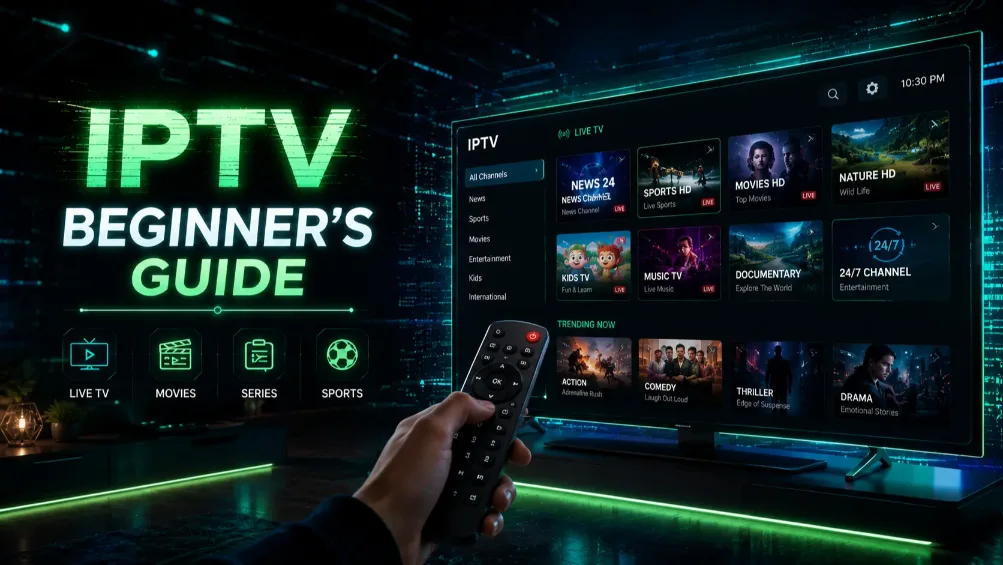
IPTV (Internet Protocol Television) is TV delivered over your internet connection instead of a cable line or a satellite dish. You pay an IPTV provider for a subscription, install a player app such as TiviMate or IPTV Smarters Pro on your TV, Firestick or phone, and log in with the details the provider sends you. You get live channels, sports, movies and series in one app, for a fraction of what a live TV streaming plan costs.
What Is IPTV?
IPTV stands for Internet Protocol Television. Instead of receiving TV signals through a cable or a satellite dish, you receive them over the internet, the same way you stream Netflix or YouTube. That means anything that connects to the internet and runs an app can be your TV: a smart TV, a Firestick, a phone, a tablet or a laptop.
Technically, services like YouTube TV, Sling TV and Hulu + Live TV also deliver TV over the internet. But when people in the US say "IPTV", they usually mean something more specific: a subscription from an IPTV provider that you watch in a separate player app, using a login the provider gives you. That's the kind of IPTV this guide is about.
What you get with an IPTV subscription
- Live TV channels: news, sports, entertainment, kids, local and international channels, with a TV guide just like cable.
- Movies and series on demand (VOD): a library you can start, pause and rewind at any time.
- Live sports and events: the main reason many people switch.
- Catch-up TV on some channels, so you can watch shows that aired earlier.
How Does IPTV Work?
Every IPTV setup has three parts:
- The provider. It runs servers that receive TV channels and stream them over the internet.
- Your login. After you sign up, the provider sends either an Xtream Codes login (a server URL, a username and a password) or an M3U link (one long web address that contains your channel list).
- A player app on your device. You enter your login in an app like TiviMate, IPTV Smarters Pro or IBO Player. The app loads your channels, the TV guide, and the movie and series library.
When you pick a channel, the app asks the provider's server for that stream and plays it in real time. Nothing is downloaded to your device. That's why a stable internet connection matters more for IPTV than for almost anything else you do online.
Why More Americans Are Looking at IPTV
Cutting the cord was supposed to save money. For a lot of households it hasn't worked out that way, because live TV streaming plans now cost close to what cable did. YouTube TV's main plan, for example, costs $82.99 a month in 2026.
Channels also come and go. When a streaming service and a TV network can't agree on a price, the channels go dark. In late 2025, ESPN, ABC and the other Disney channels disappeared from YouTube TV for 15 days, and subscribers missed college football and two Monday Night Football games in the middle of the season.
On top of that, the shows people want are spread across more and more apps, each with its own monthly bill. An IPTV subscription puts live channels, sports, movies and series in one app, under one login, for a lower monthly price. The trade-off is that quality varies a lot from one provider to the next, which is why we always tell people to test a service before paying.
What Devices Support IPTV?
IPTV works on almost every modern device: Amazon Firestick, Android TV and Google TV boxes, Samsung and LG smart TVs, iPhones and iPads, Windows and Mac computers, and MAG boxes. If your device connects to the internet and runs an app, it can most likely play IPTV. Our device guides walk you through it:
- How to install IPTV on Firestick, the most popular IPTV device in the US
- How to install IPTV on a Samsung smart TV (LG works the same way)
- How to watch IPTV on Roku, which is more limited
- Our IPTV installation guide for every other device
One exception worth knowing before you buy anything: the newest Fire TV Sticks, starting with the Fire TV Stick 4K Select, run Amazon's Vega OS and can't install IPTV player apps.
IPTV vs. Cable vs. Live TV Streaming Apps
| Cable / satellite | Live TV streaming apps | IPTV subscription | |
|---|---|---|---|
| How it arrives | Cable line or dish | Internet, in the service's own app | Internet, in a player app of your choice |
| Equipment | Rented box, installation | Any streaming device | Any streaming device |
| Contract | Often | No | No (with us, you pay per period) |
| Example price | Varies, plus box and fees | YouTube TV: $82.99/month | Pro IPTV Services: from $18.99/month |
Regular streaming services like Netflix and Hulu are different again: they mostly offer on-demand shows from their own library. IPTV adds live channels and sports on top of a large on-demand library, all in one subscription. That's how our IPTV service for US viewers is set up.
How Much Does IPTV Cost?
It depends on the provider, how many screens you need, and how long you pay for. With Pro IPTV Services, one month on the Solo plan costs $18.99, and 12 months costs $58.99, which works out to about $4.92 a month. The Duo and Family plans cost more and let you watch on 2 or up to 4 devices at the same time. See all plans and prices.
Two other costs to know about: some player apps charge a small fee of their own (TiviMate Premium, or IBO Player after its free trial), and you need a streaming device if your TV isn't a smart TV. Be careful with "lifetime" IPTV deals. No provider can honestly promise you a lifetime of service.
Is IPTV Legal in the USA?
IPTV as a technology is completely legal. It's how YouTube TV, Sling TV and many cable companies deliver TV today, and player apps like TiviMate and IPTV Smarters are legal too, since they come with no channels at all. What matters is the provider: a service needs the rights to the channels it distributes. Always choose a reputable provider to make sure you're using a legitimate service.
How Do I Get Started with IPTV?
- Check your device. Make sure your TV or streaming stick can run an IPTV player (see the device guides above).
- Request a free trial and test it on the TV you'll actually use, ideally during a live game in the evening.
- Install a player app such as TiviMate, IPTV Smarters Pro or IBO Player.
- Enter your login (Xtream Codes or M3U link).
- Pick a plan once you're happy with the picture and the channels.
Most people are watching within 15 minutes.
What Internet Speed Do I Need for IPTV?
A stable connection is more important than raw speed, but you still need enough bandwidth for live video. Here's a quick breakdown:
| Video Quality | Minimum Speed | Recommended Speed (For Stability) |
|---|---|---|
| Standard Definition (SD) | 5 Mbps | 10 Mbps |
| High Definition (HD / 1080p) | 15 Mbps | 25 Mbps |
| Ultra HD (4K / Live Sports) | 30 Mbps | 50+ Mbps |
Most US broadband connections from providers like Xfinity, AT&T Fiber or Verizon Fios meet these numbers easily. If you see buffering, test your speed on the TV device itself, not just on your phone, and read our buffering fix guide.
Essential IPTV Vocabulary (Terms You Should Know)
Before you subscribe, you might see some confusing acronyms. Here's what they actually mean:
- VOD (Video on Demand): the "Netflix" part of IPTV. Movies and TV series you can watch, pause and rewind at any time.
- Catch-up TV: the provider records some live channels on its servers, so you can watch shows that aired earlier in the day or week without a DVR.
- EPG (Electronic Program Guide): the TV guide that shows what's playing now and what's coming up on live channels.
- M3U link vs. Xtream Codes: the two ways to log into an IPTV app. An M3U link is one long web address containing your playlist. Xtream Codes is an easier login with a server URL, username and password, and it loads the TV guide and movie library automatically.
What IPTV App Should I Use?
The most popular IPTV apps in 2026 are TiviMate, IPTV Smarters Pro and IBO Player. TiviMate is widely considered the best option for Firestick and Android TV boxes because of its clear TV guide and reliable performance. Our Firestick IPTV guide compares all three. Having issues with your app? Read our IPTV not working guide.
Final Thoughts
IPTV gives you live TV, sports, movies and series in one place, on the devices you already own, for a lot less than a live TV streaming plan. Start with a free trial, test it on your own TV during a real game, and only pay once you're happy. If you're comparing providers, our guide on what to look for in the best IPTV service in the USA will help.