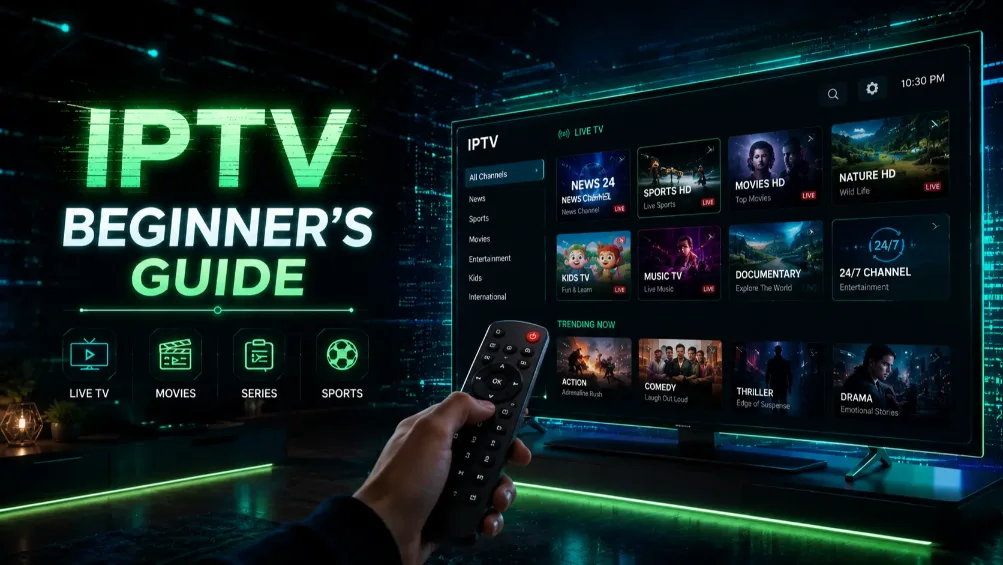
What Is IPTV?
IPTV stands for Internet Protocol Television. Instead of receiving TV signals through a cable or satellite dish, IPTV delivers television content over the internet. This means you can watch live TV, movies, and series on any device connected to the internet.
How Does IPTV Work?
Your IPTV provider gives you a server URL, a username, and a password. You enter these credentials into an IPTV app on your device. The app connects to the server and streams the content directly to your screen in real time.
What Devices Support IPTV?
IPTV works on almost every modern device including Amazon Firestick, Android TV boxes, Smart TVs, iPhones, iPads, Windows and Mac computers, and MAG boxes. If your device can connect to the internet and run an app, it can run IPTV. See our step-by-step installation guide for all devices.
What Is the Difference Between IPTV and Regular Streaming?
Regular streaming services like Netflix and Hulu offer on-demand content from their own library. IPTV goes further by adding live TV channels, sports events, and pay-per-view content in addition to a large on-demand library — all in one subscription.
How Much Does IPTV Cost?
A quality IPTV subscription in the USA typically costs between $12 and $20 per month. This is a fraction of the cost of cable TV, which averages $85 to $155 per month. On an annual plan, most users save over $900 compared to traditional cable. View our subscription plans starting from $18.99/month.
Is IPTV Legal in the USA?
IPTV technology itself is completely legal. The legality depends on the content provider. Licensed IPTV services that have the rights to distribute content are fully legal. Always choose a reputable provider to ensure you are using a legitimate service.
How Do I Get Started with IPTV?
Getting started is simple. Choose a trusted IPTV provider, request a free trial to test the service, download an IPTV app on your device, and enter your credentials. Most users are up and running within minutes.
What Internet Speed Do I Need for IPTV?
For HD streaming you need at least 10 Mbps. For 4K streaming you need at least 25 Mbps. Most US broadband connections from providers like Xfinity, AT&T Fiber, or Verizon Fios exceed these requirements easily.
What IPTV App Should I Use?
The most popular IPTV apps in 2026 are TiviMate, IPTV Smarters Pro, and IBO Player. TiviMate is widely considered the best option for Firestick and Android TV boxes due to its clean interface and reliable performance. Having issues with your app? Read our IPTV not working guide.
Final Thoughts
IPTV is the smartest way to replace cable TV in 2026. Lower cost, more content, and full flexibility across all your devices. Start with a free trial from a trusted provider and experience the difference yourself. Read our honest review of the best IPTV services in the USA before choosing.