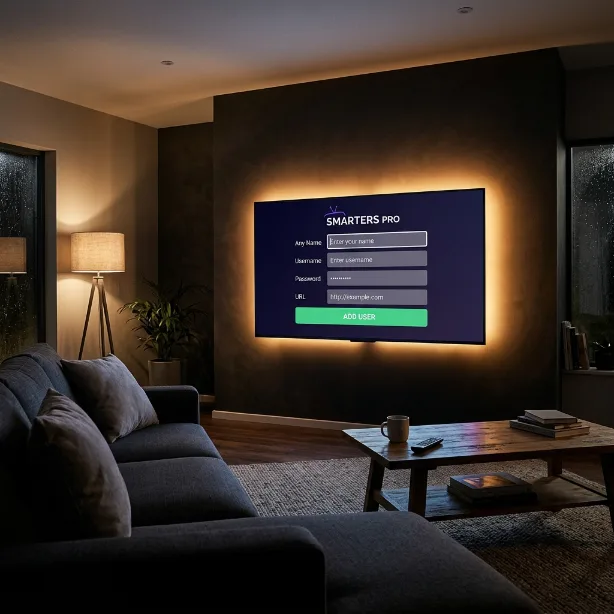
IPTV Smarters Pro
RECOMMENDEDThe most popular app for Firestick, Android Boxes, and Mobile devices. Having issues? Check our FAQ page.
-
1Download the App: Search for "IPTV Smarters Pro" on your device's app store. If on Firestick, use the Downloader app.
-
2Select Login Method: Open the app, accept the terms, and click "Login with Xtream Codes API".
-
3Enter Your Details: Input any name in the first box. Then enter the Username, Password, and URL we sent to your email after purchase. Don't have a subscription yet? View our plans.
-
4Add User & Stream: Click "Add User". On the next screen, click your profile and download the Live TV, Movies, and Series categories.
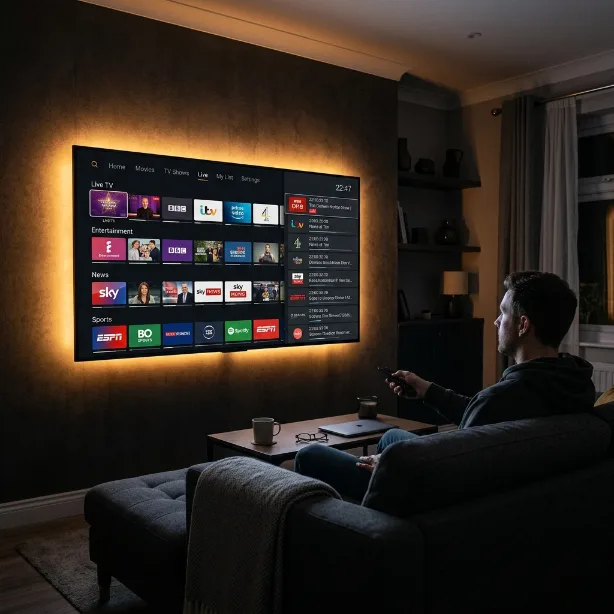
TiviMate
Premium IPTV player for Android TV and Firestick with a beautiful interface.
-
1Install TiviMate: Search for "TiviMate IPTV Player" on Google Play Store or Amazon App Store.
-
2Open TiviMate: Launch the app and tap "Add Playlist".
-
3Enter M3U URL: Select "M3U playlist" and enter the M3U URL we sent to your email.
-
4Start Streaming: Your channels will load automatically. Browse Live TV, Movies, and Series.
IBO Player
Highly recommended for Samsung Tizen and LG WebOS Smart TVs.
-
1Install IBO Player: Go to the App Store on your Samsung or LG TV and install IBO Player.
-
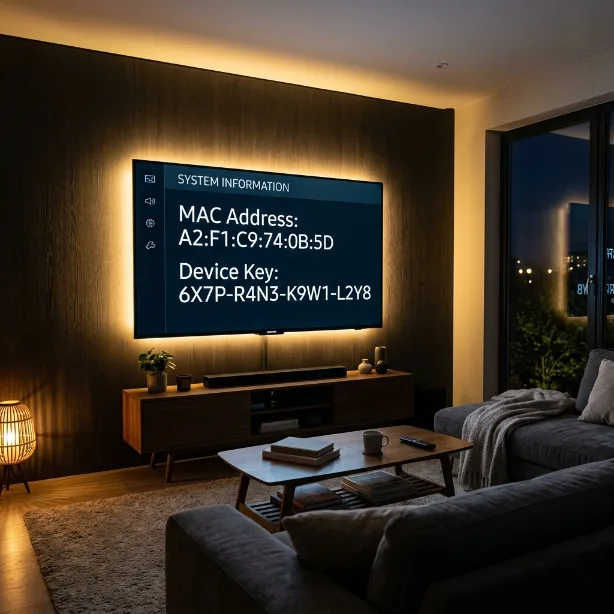
2Get Your MAC Address: Open the app. You will see a Device MAC Address and a Device Key on screen. Take a photo of this.
-
3Upload Your Playlist: Using your mobile or PC, go to iboplayer.com and enter your MAC Address and M3U URL.
-
4Activate: Enter your MAC Address, Key, and the M3U Link we provided. Restart the app to sync all channels.
IPTV Smarters on iOS
Stream Pro IPTV Services on your iPhone or iPad using the App Store.
-
1Download the App: Open the App Store and search for "IPTV Smarters Pro". Install the app.
-
2Add Your Account: Tap "Add New User" and select "Login with Xtream Codes API".
-
3Enter Credentials: Enter the Username, Password, and URL from your welcome email.
-
4Start Watching: Tap your profile to access Live TV, Movies, and Series instantly.
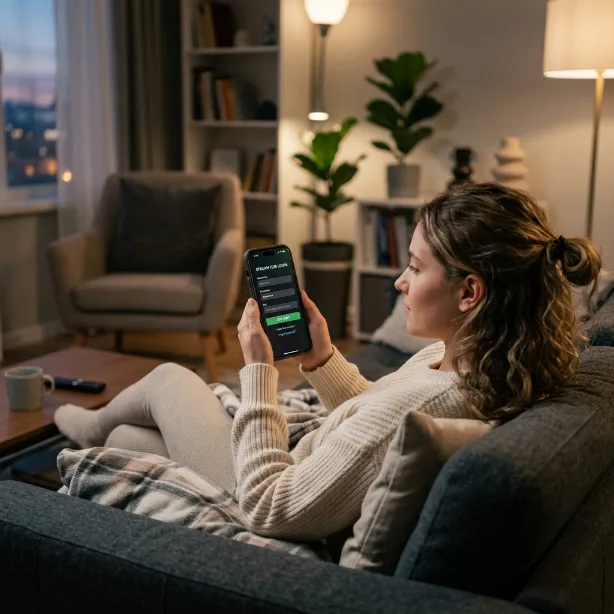
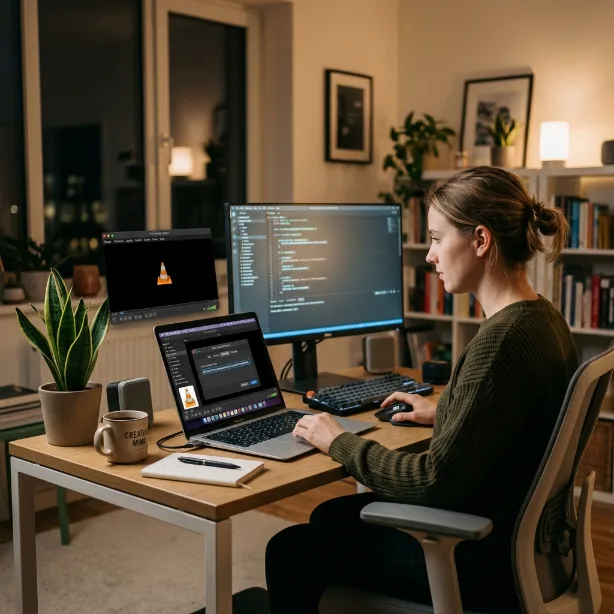
VLC Media Player
Watch IPTV directly on your computer using VLC — no installation of special apps needed.
-
1Download VLC: Go to videolan.org and download VLC for Windows or Mac.
-
2Open Network Stream: In VLC, go to Media → Open Network Stream (Ctrl+N on Windows).
-
3Enter M3U URL: Paste the M3U URL we sent to your email and click Play.
-
4Browse Channels: Your channels will load. Use the playlist panel to switch between channels.
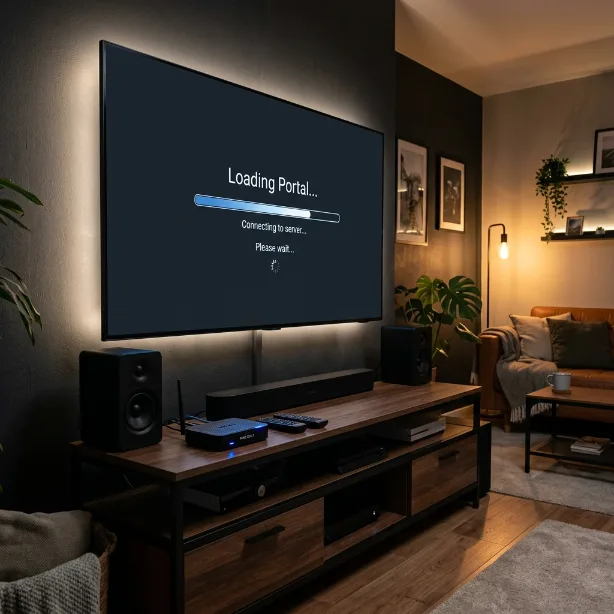
MAG Box Setup
Full portal compatibility for MAG devices with simple configuration.
-
1Go to Settings: On your MAG remote, press the Menu button and go to System Settings.
-
2Open Servers: Navigate to Servers → Portals.
-
3Enter Portal URL: In Portal 1 Name enter "Pro IPTV" and in Portal 1 URL enter the portal URL we sent you.
-
4Restart Device: Save the settings and restart your MAG Box. Your channels will load automatically.
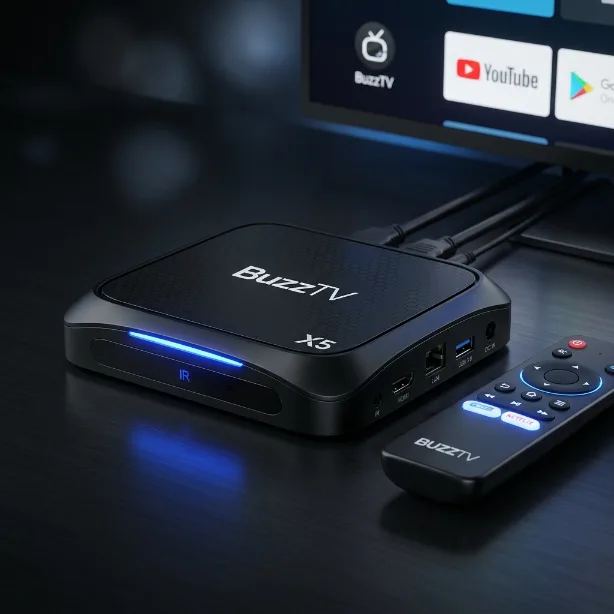
BUZZTV
Follow these simple steps to install and set up your IPTV service on BUZZTV.
-
1Download the IPTV Smarters app from BuzzTV store
-
2Open the app and select Xtream Codes API
-
3Enter your username password and server URL
-
4Save and enjoy your channels
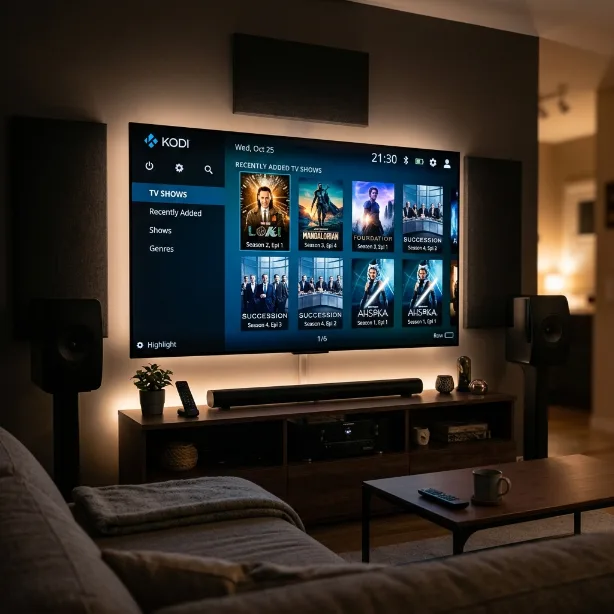
KODI MEDIA APP
Follow these simple steps to install and set up your IPTV service on KODI.
-
1Open Kodi and go to Add-ons
-
2Install PVR IPTV Simple Client
-
3Enter your M3U playlist URL
-
4Enable the add-on and restart Kodi
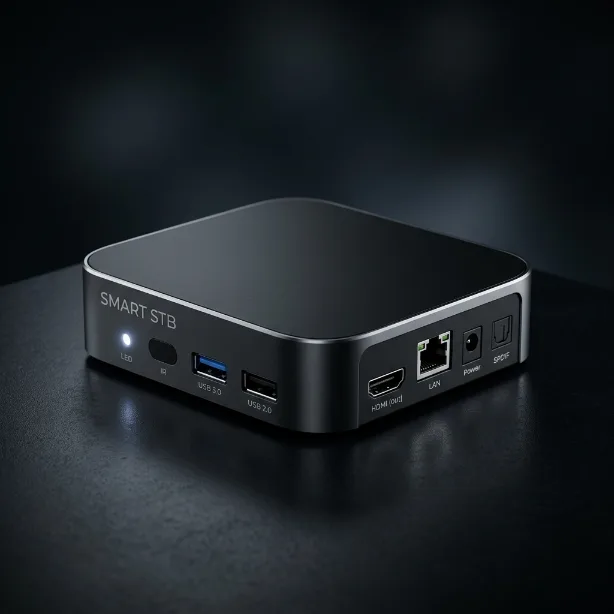
SMART-STB APP
Follow these simple steps to install and set up your IPTV service on SMART-STB.
-
1Open SMART-STB on your device
-
2Go to settings and select Portal
-
3Enter your server URL and credentials
-
4Save settings and reboot
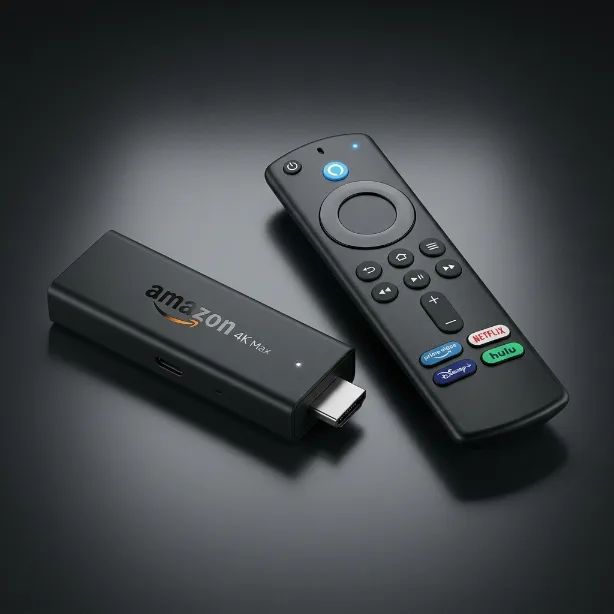
FIRESTICK / FIRE TV
Follow these simple steps to install and set up your IPTV service on Fire TV devices.
-
1Enable Apps from Unknown Sources in settings
-
2Download Downloader app from Amazon Store
-
3Use Downloader to install IPTV Smarters
-
4Open the app and enter your credentials
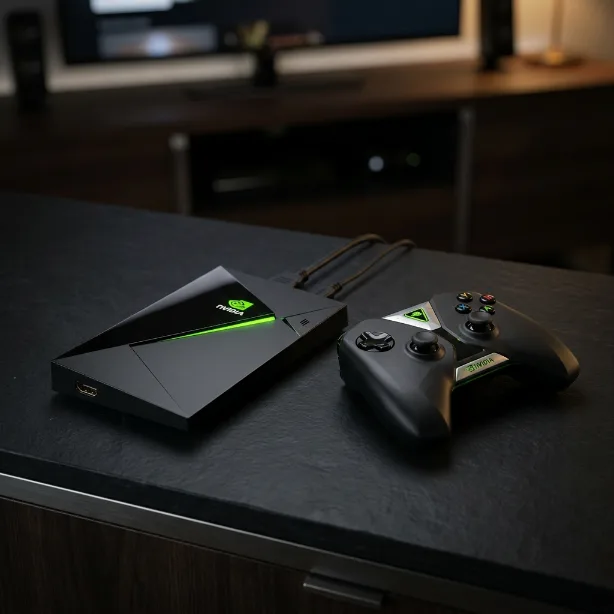
NVIDIA SHIELD
Follow these simple steps to install and set up your IPTV service on NVIDIA SHIELD.
-
1Open Google Play Store on your SHIELD
-
2Install IPTV Smarters or TiViMATE
-
3Open the app and choose Xtream Codes API
-
4Enter your username password and server URL
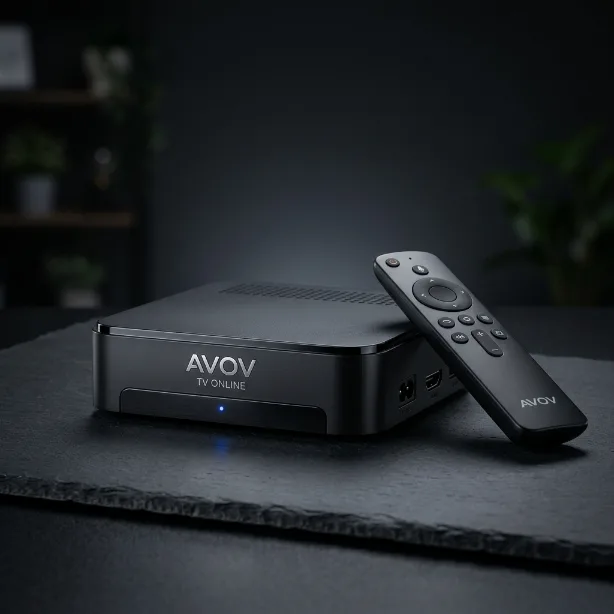
AVOV TVONLINE
Follow these simple steps to install and set up your IPTV service on AVOV TVONLINE.
-
1Go to the app store on your AVOV device
-
2Install IPTV Smarters app
-
3Open the app and enter your server details
-
4Save and start watching
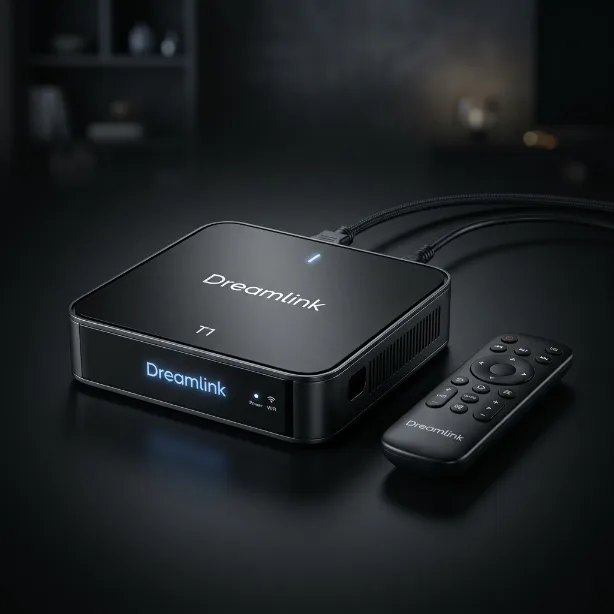
A DREAMLINK T1/T2
Follow these simple steps to install and set up your IPTV service on Dreamlink.
-
1Power on your Dreamlink device
-
2Go to the portal settings
-
3Enter your IPTV server URL
-
4Save and reboot the device
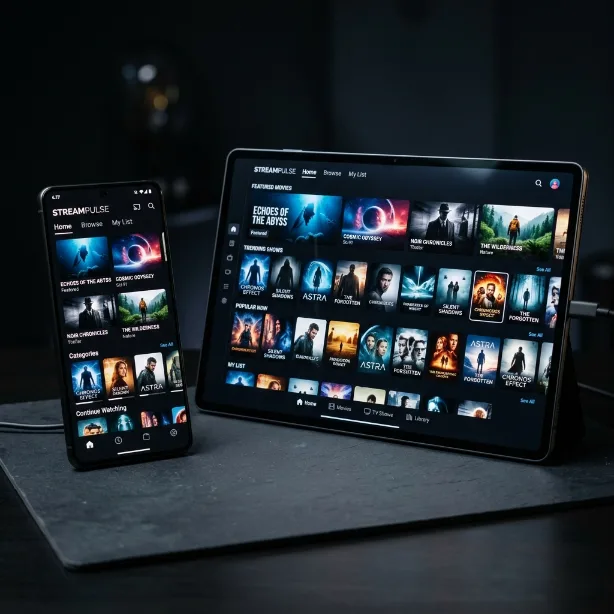
ANDROID DEVICES
Follow these simple steps to install and set up your IPTV service on any Android device.
-
1Open Google Play Store
-
2Search for and install IPTV Smarters Pro
-
3Open the app and select Xtream Codes API
-
4Enter your credentials and save
FORMULER & DREAMLINK
Follow these simple steps to install and set up your IPTV service on Formuler or Dreamlink.
-
1Open the MyTVOnline app on your Formuler device
-
2Go to portal settings
-
3Enter your server URL and credentials
-
4Save and enjoy your channels